LOS Field Mapping: A Practical Guide for Mortgage Pros
LOS field mapping is the process of matching borrower, loan, and property data fields in your loan origination system to the corresponding fields in your CRM, so the two systems stay in sync without manual re-entry. The single best move you can make this week: declare which system owns each piece of data, then map just two or three critical fields first, typically loan status, rate-lock expiry, and estimated close date. Get those flowing correctly before you touch anything else.
Platforms like Loan Officer AI exist specifically to centralize these mappings so loan officers aren’t stuck waiting on a developer every time a field needs adjusting.
- Define the field: what data moves, in which direction, and how often.
- Start narrow: 2 to 3 fields, not 20.
- Assign a system of record for each object before writing a single mapping rule.
Key Takeaways
Disciplined LOS field mapping works because it limits sync to a handful of high-value fields, assigns clear ownership through a Borrower Truth Table, and replaces batch updates with real-time milestone events.
| Point | Details |
|---|---|
| Start with 2 to 3 fields | Map loan status, rate-lock expiry, and estimated close date before anything else. |
| Build a Borrower Truth Table | Assign one owner system per data object to stop conflicting updates and manual reconciliation. |
| Choose sync direction deliberately | Route status and financial fields LOS to CRM; let the CRM own contact preferences and notes. |
| Monitor monthly, not once | Track webhook delivery, reconciliation mismatches, and exception queue depth every month. |
| Use admin-configurable tools | Loan Officer AI lets loan officers adjust field mappings without developer tickets, backed by high partner retention. |
Table of Contents
- Pre-Mapping Checklist: Who to Involve and What to Document
- Which Fields to Map First (Priority List and Sync Rules)
- Mapping Patterns and Data Rules
- Declaring the System of Record and the Borrower Truth Table
- Integration Architecture Choices: Connector, Middleware, or Custom API
- Testing, Monitoring, and Operating the Sync
- Common Pitfalls and Practitioner Pro Tips
- What Disciplined Mapping Actually Buys You
- Get Your Field Mapping Running Without Waiting on a Developer
- Sources
Pre-Mapping Checklist: Who to Involve and What to Document
Before anyone touches a mapping tool, get the right people in a room. A loan officer who wants faster follow-ups, a processor who knows which milestones actually matter, someone from compliance who understands what data shouldn’t leave the LOS, and an IT or admin resource who can execute the technical work. Skip one of these and you’ll rebuild the mapping in three months.
- Pull an inventory of your LOS’s available webhook events and API endpoints, and compare it against your CRM’s object model (contacts, deals, custom fields).
- Build a field dictionary, a simple document listing every field you plan to sync, its source, and its destination.
- Draft a Borrower Truth Table that assigns ownership of each data object before any technical work starts.
- Decide scope for phase one: which loan products and which borrower roles (primary, co-borrower, trust) actually need to sync right away.
Most teams try to map everything at once and end up with a brittle integration nobody trusts. Narrow scope now saves months of cleanup later.
Which Fields to Map First (Priority List and Sync Rules)
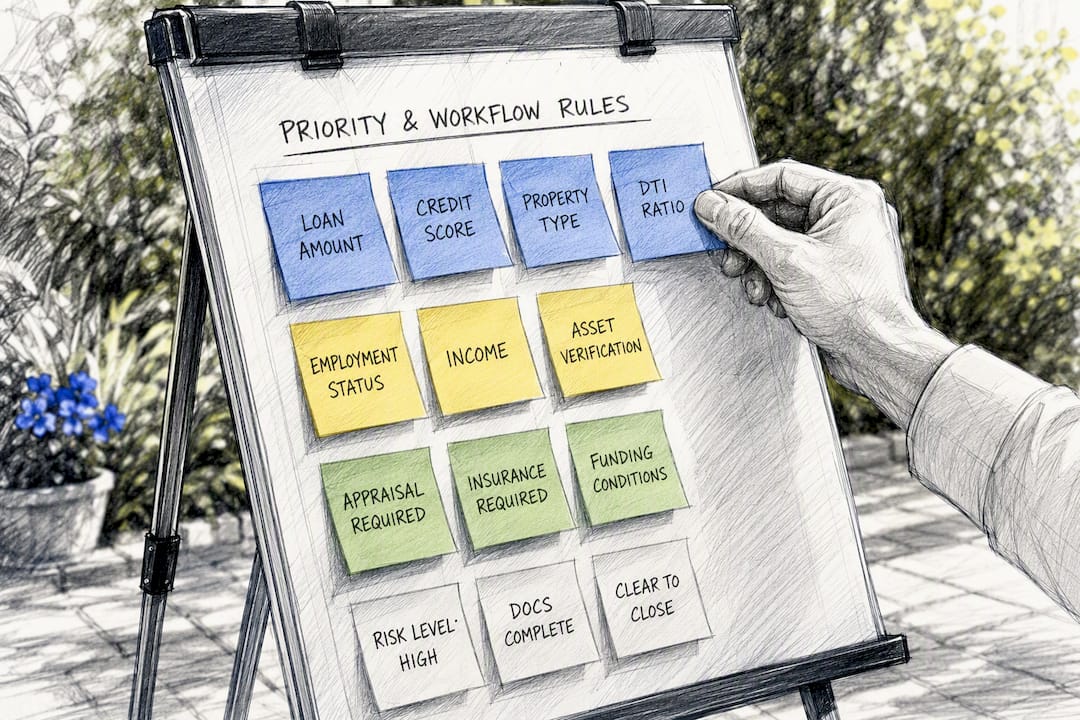
Four fields deliver most of the automation value, and none of them require exposing sensitive borrower data: loan status or current milestone, rate-lock expiry, estimated close date, and loan amount. These drive your automated follow-ups, your realtor updates, and your pipeline reporting. Everything else can wait.
Second-phase fields include borrower contact information and role, the assigned loan officer, and funded date. These matter, but they don’t unlock nearly as much automation on their own.
- Loan status/milestone: sync in real time, LOS to CRM, triggered on stage change.
- Rate-lock expiry: sync in real time, LOS to CRM, since missing this creates compliance and pricing exposure.
- Estimated close date: sync on update, LOS to CRM, used for closing coordination and realtor communication.
- Loan amount: sync on change, LOS to CRM, useful for pipeline value reporting.
Keep full credit reports, income documentation, and underwriting detail inside the LOS. There’s no operational reason for that data to live in your CRM, and every extra field you sync is another point of failure. Most integrations handle the easy half of this fine, prefilling borrower data on origination, but status write-back is where the failures actually happen, because it requires the CRM to react to LOS events reliably, not just receive a one-time data dump.
Mapping Patterns and Data Rules
A field dictionary entry should specify four things: the LOS field name, the CRM object and field it maps to, the allowed values, and the sync direction. For example: LOS field loan.status maps to CRM deal stage, allowed values limited to a fixed enum (Application, Processing, Underwriting, Clear to Close, Funded), synced LOS to CRM only.
Get your formats consistent before you go live:
- Normalize dates to a single format (ISO 8601 works well) so neither system misreads a timestamp.
- Map currency fields as numeric values, not formatted strings with dollar signs.
- Standardize address components (street, city, state, ZIP) as separate fields rather than one blob of text.
- Translate enumerated values consistently. If your LOS calls a stage “Clear to Close” and your CRM calls it “Ready to Close,” pick one label and map both to it.
Use a stable identifier for matching and dedupe, ideally the LOS’s internal GUID, or a combination of loan number plus borrower role if a GUID isn’t exposed. Design every write operation to be idempotent: replaying the same event twice should never create a duplicate record or push a loan backward in your pipeline stage.
Declaring the System of Record and the Borrower Truth Table
A Borrower Truth Table is a simple document that assigns one authoritative system to every data object you sync. Without it, you’ll spend hours every month reconciling conflicting values by hand.
- List every object you’re syncing (loan status, contact info, notes, financials).
- Assign an owner system to each: the LOS typically owns loan status and financial data, while the CRM owns contact preferences, communication history, and notes.
- Define allowed change triggers for each object, who or what is permitted to update it, and from which system.
- Encode the merge rule in your orchestration layer: reject conflicting writes, queue them for manual review, or apply a last-write-wins rule where appropriate.
Document this in an SOP that survives staff turnover. Teams that skip this step often rebuild trust in their data from scratch after a single bad product launch, according to guidance on setting up Encompass and HubSpot integrations.
Pro Tip:Assign a single owner for the Borrower Truth Table itself, not just for the data objects it describes. Someone needs to update it every time your LOS or CRM changes its schema, or it becomes stale within a quarter.
Integration Architecture Choices: Connector, Middleware, or Custom API
Your architecture choice depends on scale, how often you launch new products, and how much ongoing maintenance your team can absorb.
- Packaged connectors get you running fast and are vendor-maintained, which works well if you’re syncing a standard object set and don’t need heavy customization.
- Middleware or orchestration layers handle transformation, retries, and exception queues, and they scale better once you’re connecting more than one CRM or LOS pairing.
- Custom API builds give you full control over every field and rule, but they come with a real maintenance burden and require dedicated monitoring.
The right answer often depends on which LOS you run. Integrating nCino, which is native to Salesforce, requires a different approach than integrating Encompass, which sits outside the CRM entirely and needs an external sync layer.
Configurable, admin-facing integration layers tend to outperform hard-coded connectors as lenders grow, since treating the integration as a product you can adjust from an admin screen avoids the technical debt that builds up when every field change requires a developer ticket.
Testing, Monitoring, and Operating the Sync
A mapping that works on day one can fail silently by day sixty if nobody’s watching it.
- Run end-to-end test cases in a sandbox using a closed loan record, walking it through every milestone your mapping covers.
- Monitor three metrics on an ongoing basis: webhook delivery success rate, reconciliation mismatches between systems, and exception queue depth.
- Run a monthly health check that reviews these metrics and updates your field dictionary and Borrower Truth Table after any LOS or CRM change.
- Name a specific person responsible for clearing exception items and resolving reconciliation mismatches, not a team or a queue nobody owns.
Most enterprise LOS platforms, including Encompass Developer Connect, expose webhooks that support real-time milestone events. Automating these events instead of relying on manual entry removes thousands of repetitive updates a year for a typical loan officer’s book of business.
Common Pitfalls and Practitioner Pro Tips
The biggest mistake teams make is syncing everything because it’s technically possible. That approach buries the fields that matter under noise nobody reads.
- Don’t sync every LOS field just because your connector supports it. Start with the handful that drive automation and expand deliberately.
- Use stable identity keys (LOS GUID, loan number plus role) for matching. Name-and-email matching creates duplicate records constantly.
- Apply forward-progress-only rules to status updates, so a data correction in the LOS doesn’t accidentally regress a loan’s pipeline stage in the CRM.
- Filter out routine corrections. Only genuine milestone changes should trigger a CRM update, or your team starts ignoring the notifications entirely.
Pro Tip:Put a recurring calendar reminder for a monthly mapping review after any LOS or CRM product update. Vendors change field names and add enum values more often than you’d expect, and a mapping that isn’t reviewed quietly breaks.
What Disciplined Mapping Actually Buys You
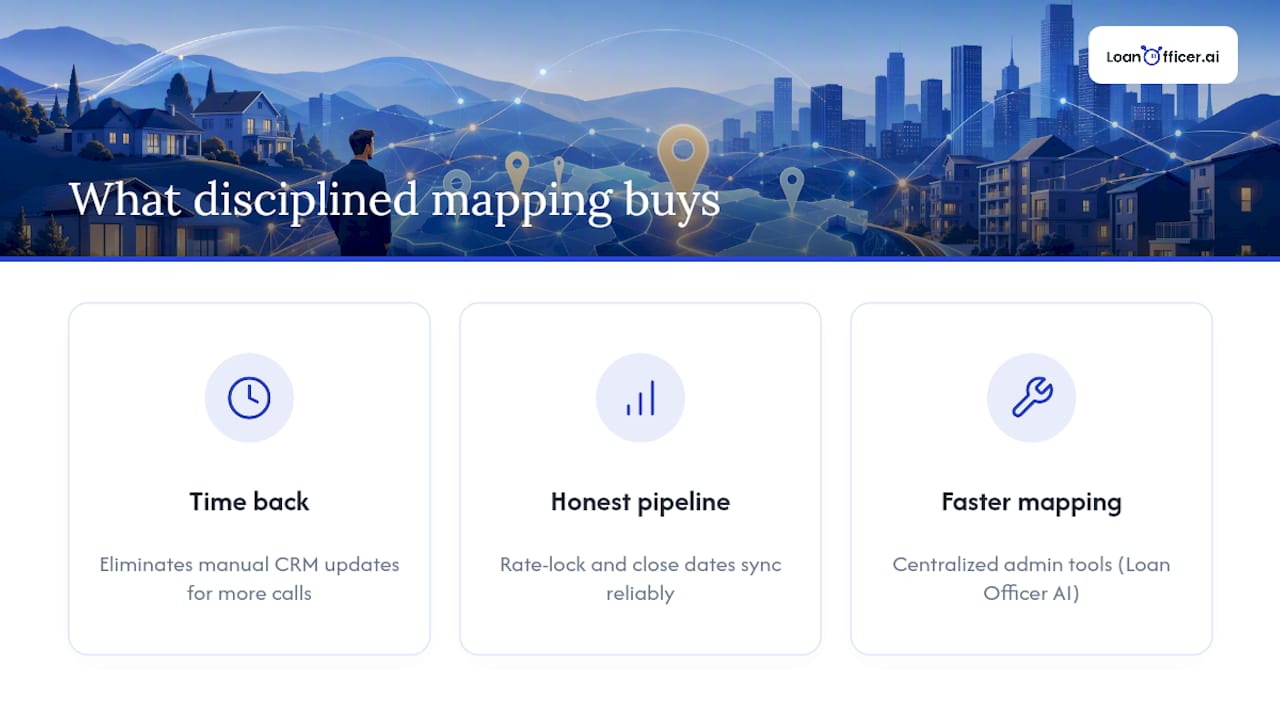
The real payoff of tight field mapping isn’t the integration itself, it’s what loan officers stop doing once it works. Every manual CRM update you eliminate is time back for calling referral partners or working a purchase pipeline. That adds up faster than most teams expect once the noisy fields get filtered out.
Consistent mapping also changes how forecasts feel. When rate-lock expiry and estimated close date sync reliably, your pipeline reports stop lying to you, and borrower communications stop lagging behind what’s actually happening in underwriting. Loan Officer AI was built around this idea: centralize the admin-facing tools that make mapping changes fast, so loan officers spend less time fighting their tech stack and more time closing loans.
— Jared Hart
Get Your Field Mapping Running Without Waiting on a Developer
Most LOS-to-CRM projects stall not because the mapping logic is hard, but because every change requires a developer ticket and a two-week wait. Loan Officer AI gives loan officers and brokerages an admin-configurable mapping layer, so adjusting which fields sync, or how often, happens from a settings screen instead of a backlog.
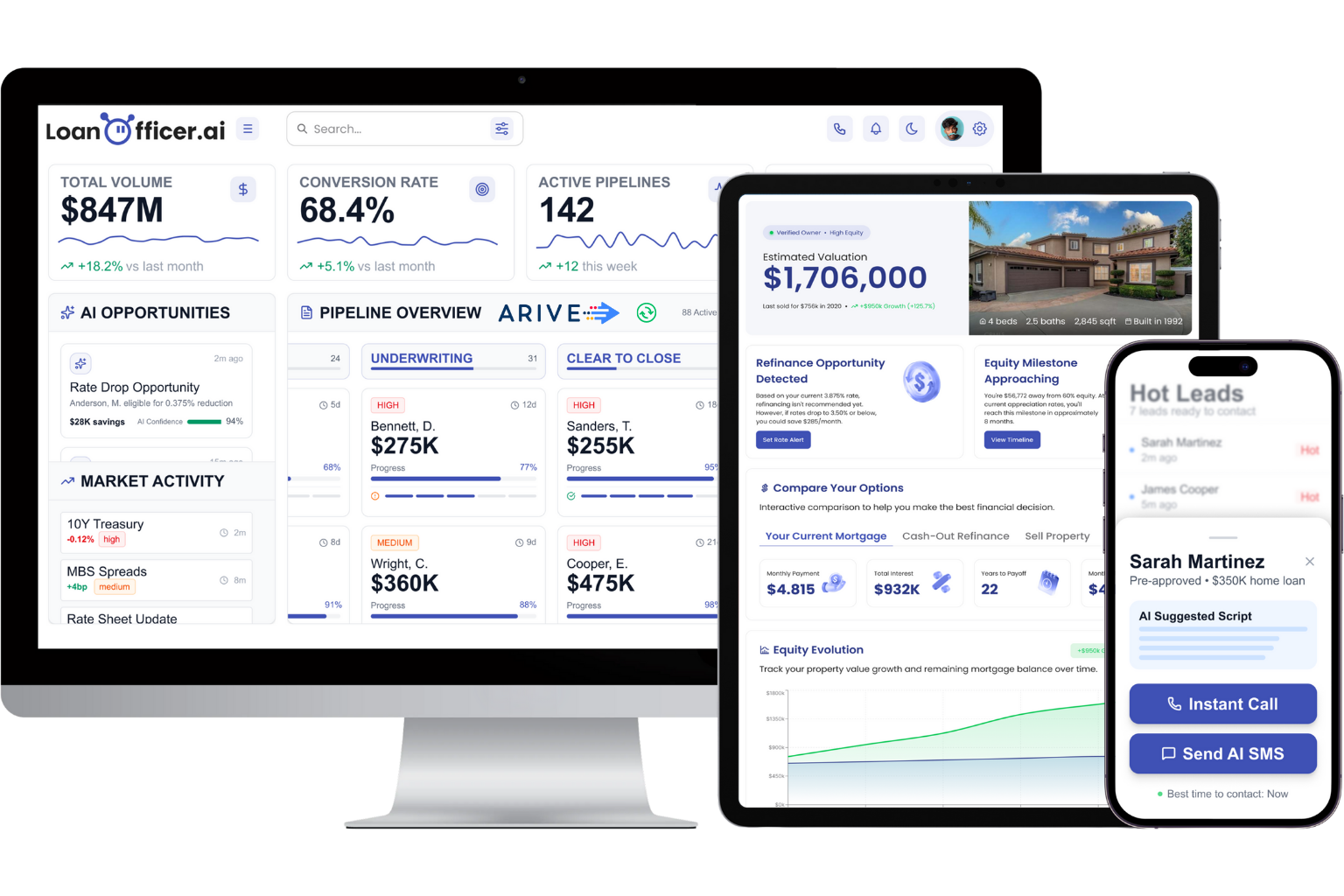
The platform handles real-time event capture for milestone changes, automates pipeline updates the moment your LOS fires a status change, and supports building efficient sales pipeline apps from your CRM data, reporting high partner retention among the mortgage professionals already running it. If you’re ready to see how it fits your workflow, bring three things to a demo: your field dictionary, a list of the LOS events your system exposes, and your prioritized field list from the sections above. Teams managing shared pipelines can also look at the team-level mapping tools built for multi-LO operations, or start with a free trial to test mapping against a live loan file.
Sources
- CRM and LOS Integration for Lenders: Key Benefits
- How to Integrate nCino or Encompass with Salesforce
- Set Up Encompass HubSpot Integration the Right Way | Proven ROI
- Stale CRM Data in Mortgage: How to Stop It in 2026