6 Steps Loan Officers Must Take for LOS to Mortgage CRM Webhooks
Yes, webhooks are the right way to get near-real-time loan and milestone updates into your CRM. Set them up with signed endpoints, filtered subscriptions, and a reconciliation layer, and you get two immediate wins: a pipeline that always reflects current loan status, and automated borrower and referral-partner workflows that fire the moment something changes. Skip the security and reconciliation work, though, and you’ll trade stale data for a different problem: duplicate alerts, missed updates, and exposed borrower information.
TL;DR:
- Properly configured webhook endpoints must include signature verification, HTTPS security, and key rotation to prevent data breaches and tampering.
- Filtering attribute changes and using reconciliation jobs are essential to avoid duplicate alerts and ensure data accuracy despite webhook delivery issues.
- Prioritizing fewer, meaningful subscriptions combined with a robust reconciliation process outperforms over-subscribing and managing multiple redundant event streams.
- Webhook retries are limited and often arrive late or fail silently; a scheduled job using the Event History API ensures undelivered events are captured for accuracy.
- Platforms like LoanOfficer.ai automate the entire webhook infrastructure, saving time, reducing errors, and providing up-to-date pipeline information without manual setup.
Table of Contents
- What Are Mortgage CRM Webhooks and Which Events Matter?
- What Should You Build on Top of Webhooks?
- How Do You Secure Mortgage CRM Webhook Endpoints?
- Implementation Checklist for Setting Up LOS-to-CRM Webhooks
- Why Reconciliation Still Matters Even With Webhooks Working
- How LoanOfficer.ai Applies These Webhook Patterns
- What Loan Officers Get Wrong About Webhook Automation
- Put Webhook-Driven Automation to Work Without Building It Yourself
- Developer Docs Worth Bookmarking
- Sources
- FAQ
What Are Mortgage CRM Webhooks and Which Events Matter?
Mortgage CRM webhooks are event notifications your loan origination system (LOS) sends to your CRM the moment something changes on a loan file, instead of your CRM polling the LOS every few minutes and hoping it didn’t miss anything. Encompass, ICE Mortgage Technology’s platform, structures these as subscriptions: you pick a resource (usually Loan), the events you want, and an endpoint URL to receive them.
The events worth subscribing to for most loan teams:
- Create — a new loan file enters the pipeline
- Update — general loan record changes
- Change — fires when one or more specific fields you’re watching actually move
- Milestone — status changes like Processing, Underwriting, Clear to Close, Funded
- Document — a document gets added, signed, or delivered
- Enhanced field change (EFC) — granular field-level updates, including potentially sensitive data
- Lock/unlock — rate lock status changes
Encompass notifications carry a compact payload: eventId (unique per event), eventTime, eventType, and meta.resourceRef, a URL you call to pull the full loan resource when you need it. Attribute filters, written as JSON pointers, let you subscribe to a “change” event only when specific fields like loan status or rate lock expiration actually move, rather than every field edit on the file. Use those filters aggressively. Don’t log full loan payloads or borrower PII inside webhook bodies or your application logs. If you need the full record, fetch it through meta.resourceRef and handle it separately from your event log.
What Should You Build on Top of Webhooks?
Once events are flowing, the real value shows up in what you automate around them. Start small and prioritize by impact.
- Task bundles and SLA alerts — a milestone change to “Submitted” auto-creates a follow-up task for your processor with a due date tied to your internal SLA.
- Borrower-facing messaging — milestone hits trigger an email or text, but only after a debounce window so a loan that jumps two milestones in one afternoon doesn’t send two nearly identical messages. Confirmation and frequency caps per contact keep this from becoming noise.
- Live pipeline dashboards — funded-loan attribution and stage counts update automatically instead of relying on a Friday afternoon manual pull.
- Referral partner alerts — a realtor gets notified when their client’s file clears underwriting, without anyone picking up a phone.
- Enrichment pipelines — pair webhook events with equity or refinance data to flag opportunities the moment a milestone or rate condition makes them relevant.
For routing, decide early whether events go direct to your handler or through a middleware queue. A queue gives you room to add enrichment, logging, and retry logic without slowing down the response the LOS is waiting on. Treating borrower communication frequency as a rule set, not an afterthought, is what separates automations that build trust from ones that annoy people.
Pro Tip:Route milestone events straight to a task queue and hold borrower messages in a debounce buffer for 5 to 10 minutes. That single change eliminates most duplicate-message complaints.
How Do You Secure Mortgage CRM Webhook Endpoints?
Every Encompass notification arrives with an X-Elli-Signature header, an HMAC digest computed with your subscription’s signing key. Your endpoint should recompute that digest from the raw request body and compare it before touching the payload. If it doesn’t match, reject the request and log the attempt.
Beyond signature checks, the basics still matter:
- Require HTTPS with valid TLS certificates on your callback endpoint, no exceptions.
- Enforce short timeouts (a few seconds) so a slow database call doesn’t stall the whole request.
- Rotate signing keys periodically and store them in a secrets manager, not application code.
- Mask or redact PII before anything touches a log file.
- Restrict enhanced field change subscriptions to one per client ID and limit downstream access, since EFC payloads can carry sensitive borrower data at a field level.
Encompass’s own guidance recommends limiting EFC exposure through routing logic rather than broad distribution to every connected system. Treat a spike in signature mismatches as an incident, not a log line. It usually means either a key rotation problem on your side or, less often, someone probing your endpoint.
Implementation Checklist for Setting Up LOS-to-CRM Webhooks
Getting from zero to a live integration follows a fairly predictable sequence.
- Stand up a public HTTPS endpoint with an idempotent handler that returns a fast 200 or 202 response before doing any heavy processing.
- Choose your resource (Loan) and the events you actually need, based on the list above.
- Add attribute filters so “change” events fire only on fields your workflows care about.
- Generate and securely store your signing key.
- Test with sample payloads against a staging endpoint before touching production.
- Verify signature validation works correctly on both valid and tampered payloads.
For the testing phase, lean on Encompass’s Event History API to replay past events and confirm your handler processes them the same way twice. General webhook handler patterns from Microsoft’s developer documentation, though written for a different platform, map cleanly onto LOS webhook receivers: fast acknowledgment, structured retries, and a clear separation between receiving an event and processing it.
Once live, keep structured logs keyed by eventId, route unprocessable events to a dead-letter queue instead of silently dropping them, and set up alerts for failure rate spikes.
Why Reconciliation Still Matters Even With Webhooks Working
Webhooks are notifications, not guarantees. They can arrive late, arrive twice, or in rare cases not arrive at all, so treat the LOS as the source of truth and your CRM as a reflection that needs periodic verification, not a permanent record of it.
A few patterns handle this reliably:
- Use
eventIdas your deduplication key and persist processing state against it, which makes retries safe and prevents duplicate tasks from firing twice for the same event. - Queue incoming events and apply a short debounce window so a loan with five rapid updates triggers one CRM refresh, not five.
- Run a scheduled job against Encompass’s Webhook Event History API to catch undelivered notifications or misconfigured subscriptions. Encompass retries failed deliveries a limited number of times before discarding them, which means your reconciliation job is the only backstop after that point.
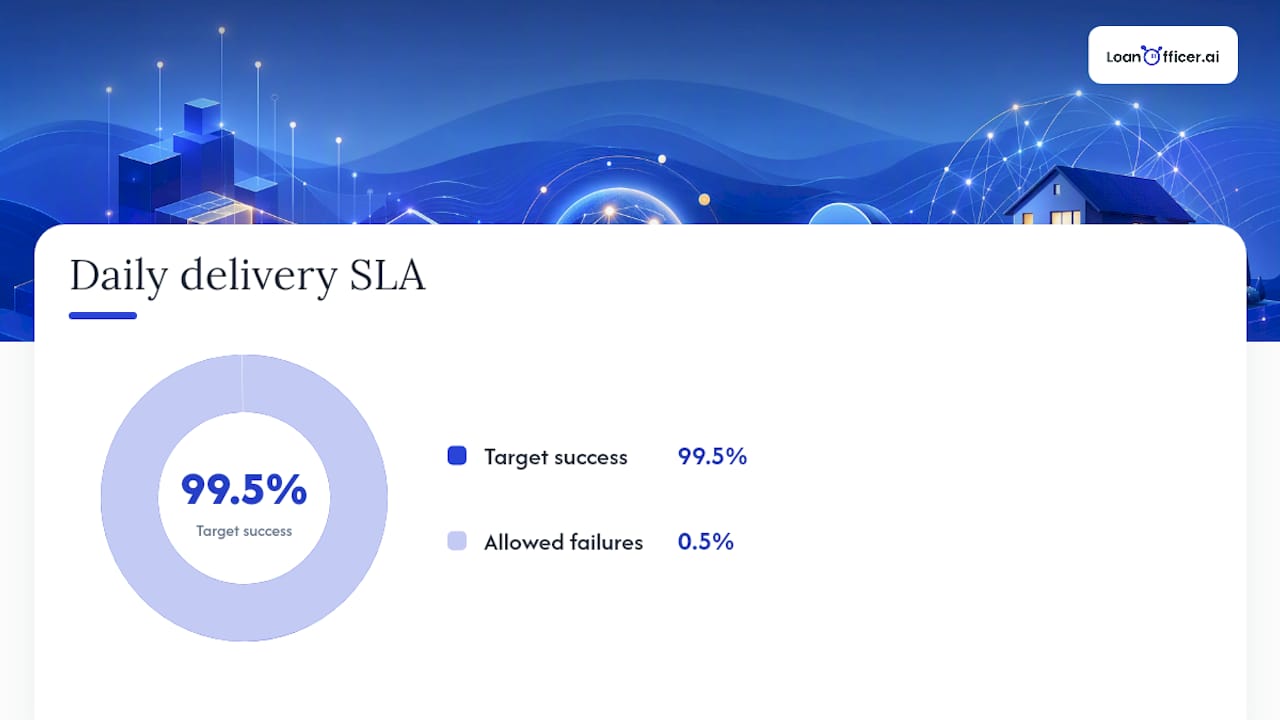
- Set a delivery SLA target, something like 99.5% successful event delivery per day, and route anything below threshold or any non-retryable error to a human for review.
Pro Tip:Build the reconciliation job before you launch, not after your first missed-update complaint from a loan officer. Retrofitting reconciliation into a live system is far more painful than designing it in from day one.
How LoanOfficer.ai Applies These Webhook Patterns
LoanOfficer.ai’s platform runs on the same event-driven logic loan officers are wiring up manually: webhook-triggered follow-ups, opportunity detection when equity or rate conditions shift, and pipeline updates that reflect LOS milestone changes without anyone refreshing a screen. The mapping from LOS event to CRM workflow is the piece most teams underinvest in.
Whoever owns your CRM configuration, ops lead or a designated integrator, should document every active subscription, its filters, and which workflow it feeds. Undocumented subscriptions are how teams end up with three overlapping automations firing on the same milestone.
What Loan Officers Get Wrong About Webhook Automation
Most guidance on this topic treats webhooks as a technical checkbox: hook up the endpoint, verify the signature, done. The part that actually determines whether the integration holds up under real loan volume is the reconciliation and debounce logic almost nobody budgets time for.
Here’s what the developer documentation doesn’t emphasize enough: webhooks fail silently far more often than they fail loudly. A dropped notification doesn’t throw an error on your end. It just means a loan officer keeps working from stale pipeline data until someone notices a borrower got two conflicting status emails. That’s a trust problem before it’s a technical one.
If you’re a loan officer handing this project to a developer, prioritize the reconciliation job and the debounce window over adding more event subscriptions. Teams tend to over-subscribe early, then spend months fighting noisy, duplicate alerts instead of fixing the actual gap: no scheduled check against the LOS Event History API. Fewer, filtered subscriptions plus one solid reconciliation job beats a dozen loosely configured webhooks every time.
— Jared Hart
Put Webhook-Driven Automation to Work Without Building It Yourself
Everything covered above, event subscriptions, signature verification, debounce logic, reconciliation jobs, is exactly what a developer would need to build and maintain manually. Loan Officer AI runs that infrastructure underneath its mortgage CRM so loan officers get the automated follow-ups, opportunity alerts, and always-current pipeline without owning the integration work themselves.
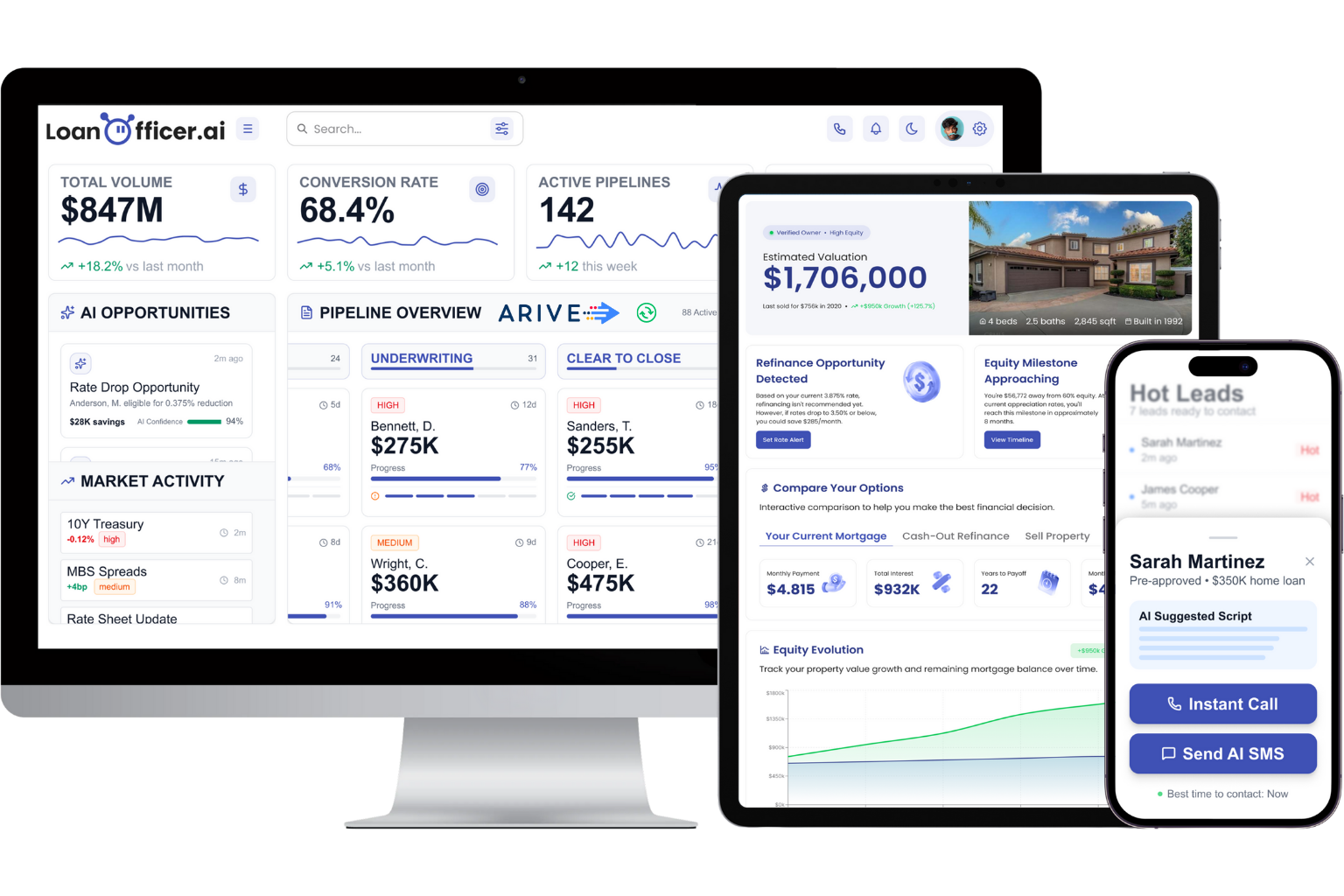
The platform connects directly to your LOS and turns milestone and field changes into action: an automatic follow-up when a file stalls, flagged refinance opportunities when conditions shift, and tasks assigned at key milestones. Many teams report time savings mainly from fewer missed borrower touches and less manual pipeline checking. If you’re weighing whether to build this in house or hand it to a platform that already runs it, start a trial and see how your current pipeline looks once the automation layer is doing the watching for you.
Developer Docs Worth Bookmarking
For exact payload structures, retry limits, and event catalogs, go straight to Encompass’s own webhook reference documentation and its event reconciliation guidance. For borrower campaign design once data is flowing, this marketing automation checklist is a solid companion reference.
Sources
- Webhook reference — Encompass Developer Connect
- Building reliable Encompass integrations — Dan Alvarez
FAQ
What Events Should a Mortgage CRM Subscribe To?
Start with create, update, change, milestone, document, and lock/unlock events, using attribute filters to limit change events to fields that actually matter to your workflows.
How Do You Verify a Webhook Is Actually From Encompass?
Check the X-Elli-Signature header by recomputing the HMAC digest with your signing key and comparing it to the header value; reject any request where they don’t match.
Why Do Webhook Events Sometimes Get Duplicated or Missed?
Network retries, timeouts, and delivery attempts can cause duplicates, while endpoint downtime or misconfigured filters can cause missed events, which is why deduplication by eventId and periodic reconciliation against the LOS are necessary.
Does LoanOfficer.ai Handle Webhook Setup for Me?
Yes, LoanOfficer.ai’s mortgage CRM manages the LOS integration, signature verification, and reconciliation logic behind the scenes, so loan officers get automated follow-ups and live pipeline data without building the infrastructure themselves.
